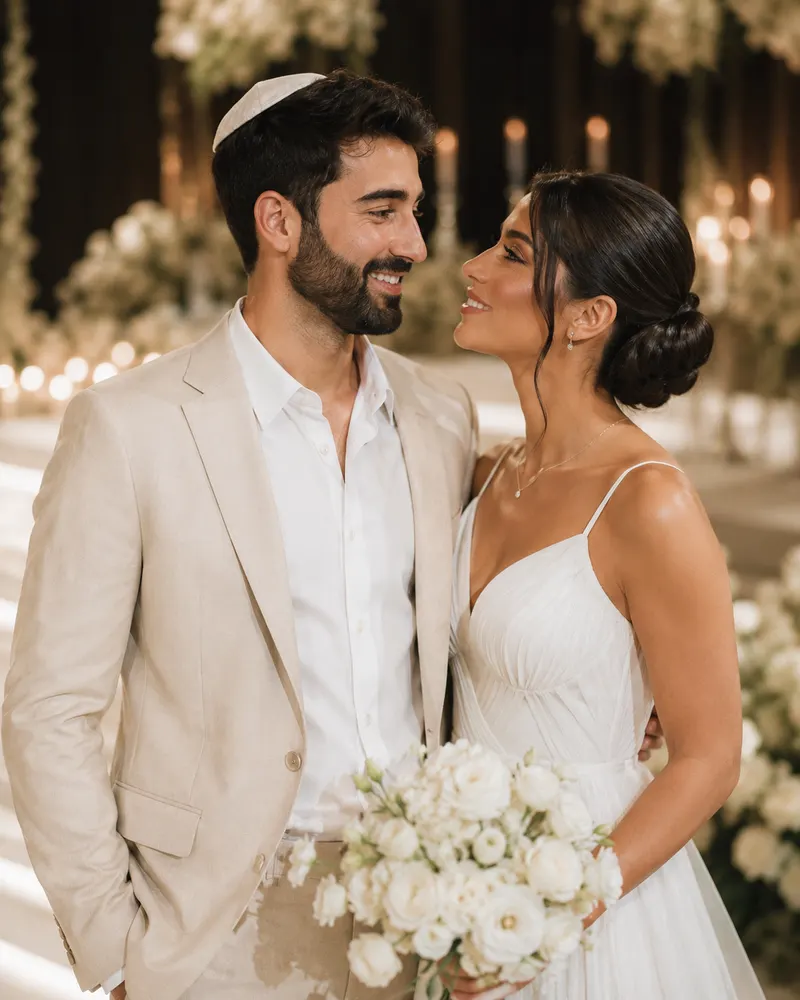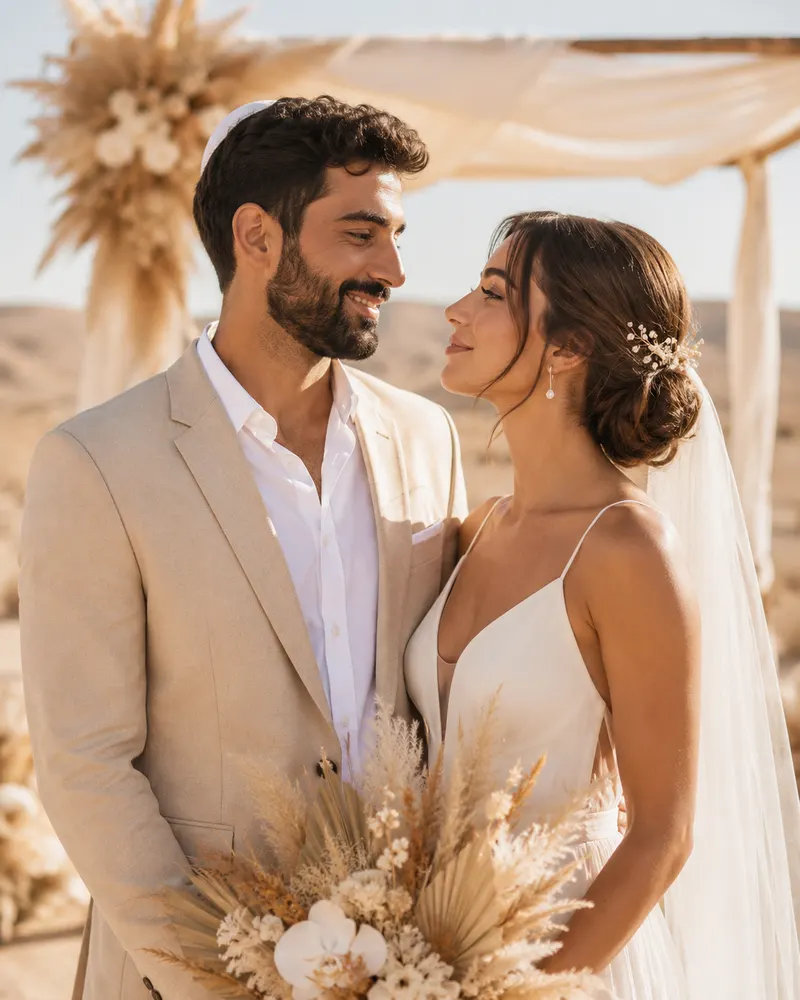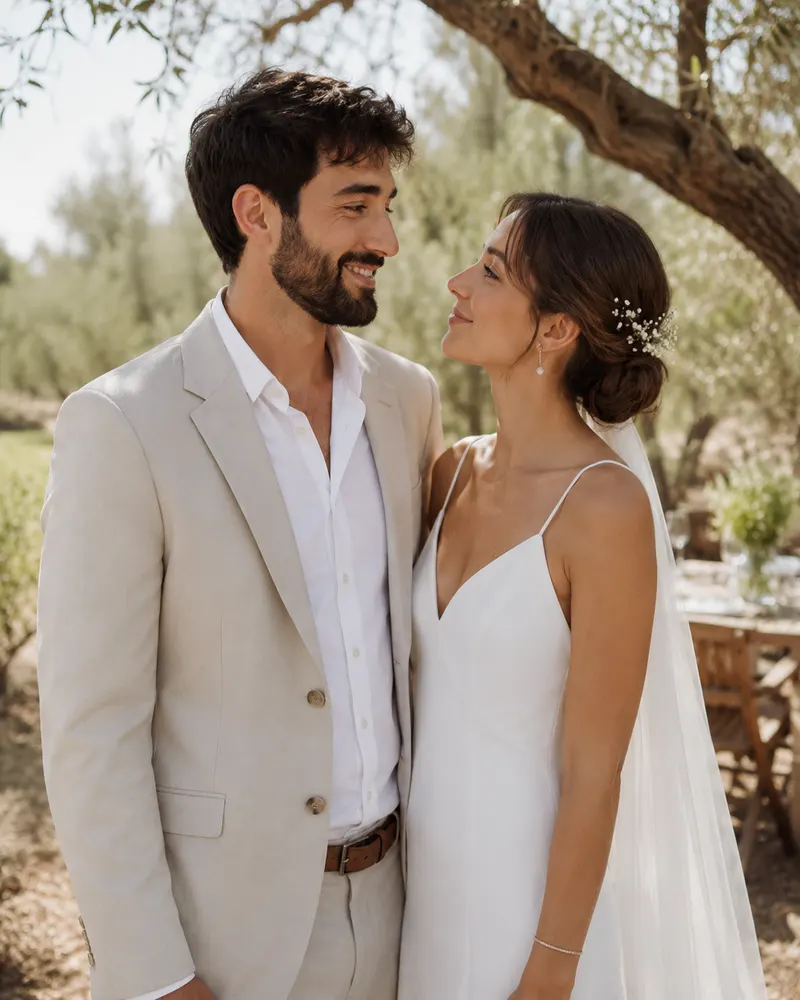
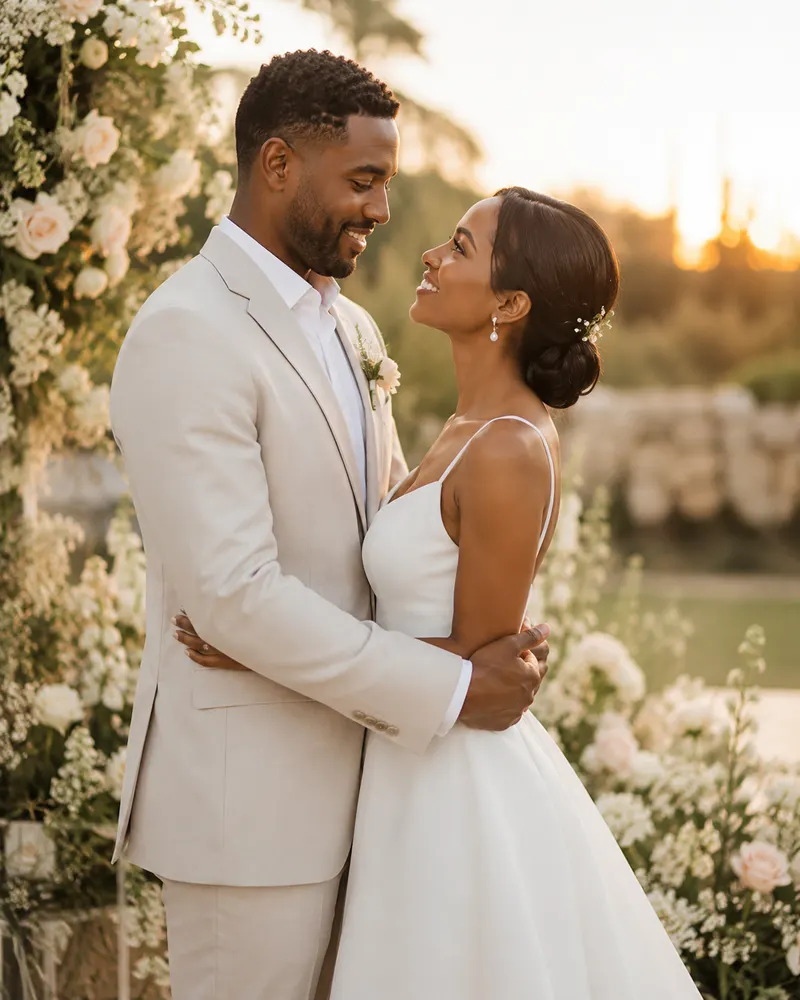
You’ve settled on the design, the invitation is ready to send — and now you want to share the news on Instagram too? The matching story is made for exactly that: a vertical version of your invitation, built for the phone screen, that you can post to your story, share as a WhatsApp status, and tag everyone you love in. This guide covers what it includes, how it connects to the invitation and the RSVP, and the sizing and sticker tricks that make it look flawless.
What a matching story invitation is
A matching story isn’t a screenshot of your invitation — it’s a version redesigned in a vertical 9:16 layout, sized exactly to the phone screen. Instead of a landscape or square invite squeezed into a frame, the story fills the full height: names up top, date and venue in the center, and breathing room at the edges for Instagram’s stickers and buttons.
The goal is for a guest scrolling the feed to stop, see a beautiful invitation that fills the whole screen, and understand in a second that you’re getting married — without pinching to zoom in on tiny text.
Why couples want a story version
- Fast reach — one story lands with dozens or hundreds of followers without messaging each person separately.
- A living reminder — you can re-post it a week before the wedding as a gentle nudge for anyone who hasn’t replied.
- Sharing by guests — an excited guest can re-share your story, spreading the news further.
- WhatsApp status too — the same 9:16 file works perfectly as a status, where family members who aren’t on Instagram will see it.
What the story includes
The story is a distilled version of the invitation — enough detail to intrigue and invite, without the clutter:
- The couple’s names, large and clear
- The date and city (you don’t always need the full address in the story itself)
- A short invitation line or your favorite piece of wording
- A call to action: „For full details and RSVP — message us”
- Open space at the top and bottom for Instagram’s stickers
How it pairs with the invitation and RSVP
The story is part of one system, not a separate item. It shares the same color palette, fonts, and monogram as the main invitation — so a guest who sees the story first and later receives the full invite on WhatsApp instantly recognizes it’s the same wedding.
When it comes to RSVPs, the story doesn’t replace the form — it points to it. You can add a link sticker that leads straight to the invitation page with its RSVP button, or a question sticker that lets guests reply in place. If you want to understand how all the pieces fit together, we cover it in the complete guide to digital wedding invitations.
Sizing and format: the tips worth knowing
This is where most couples trip up when making a story themselves. A few rules of thumb:
- Dimensions — 1080×1920 pixels, an exact 9:16 ratio. Anything else gets stretched or cropped.
- Safe zone — leave about 250 pixels clear at the top (username) and about 250 at the bottom (reply box). Keep important text in the center.
- Format — a high-quality PNG or JPG for a static image; a short MP4 if you want subtle animation.
- Legibility — a font large enough to read on a small screen, with strong contrast between text and background.
Tip: preview the story on your own phone before the official post. What looks perfect on a desktop screen sometimes crops differently on mobile.
Story ideas: countdown and engagement announcement
The story doesn’t have to be a one-off — you can build a little series along the way:
- Engagement announcement — a first story with the proposal photo and a „She said yes” caption, even before you have a date.
- Save the date — a story with just the date, a few months ahead, so everyone marks their calendar.
- Countdown — Instagram’s countdown sticker that updates itself until the wedding day; post it weekly, or daily in the final week.
- Last reminder — a short story two days before, with a „Still haven’t RSVP’d? We’d love to know” nudge.
In most cases the matching story is already included in the advanced packages alongside the invitation and RSVP, so everything arrives in the same design for one price — usually just a few dozen shekels more than the basic invitation.
Want a story that feels like a natural extension of your invitation? Pick the package that includes an Instagram version, and we’ll design it all in the same language.